


Down the Dungeon
How to Play
Computer: Use W, A, S, and D (or the corresponding arrow keys) to move the player around. Then dash with SHIFT or SPACE, and attack with ENTER or F.
Mobile: Use the provided overlay to interact with the player. Joystick for movement and then look after the labeled buttons for the corresponding actions.
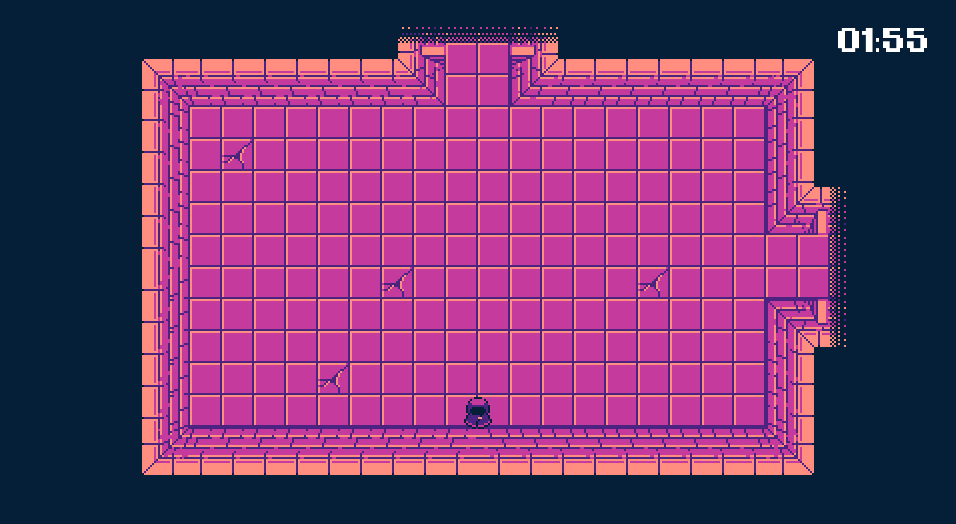
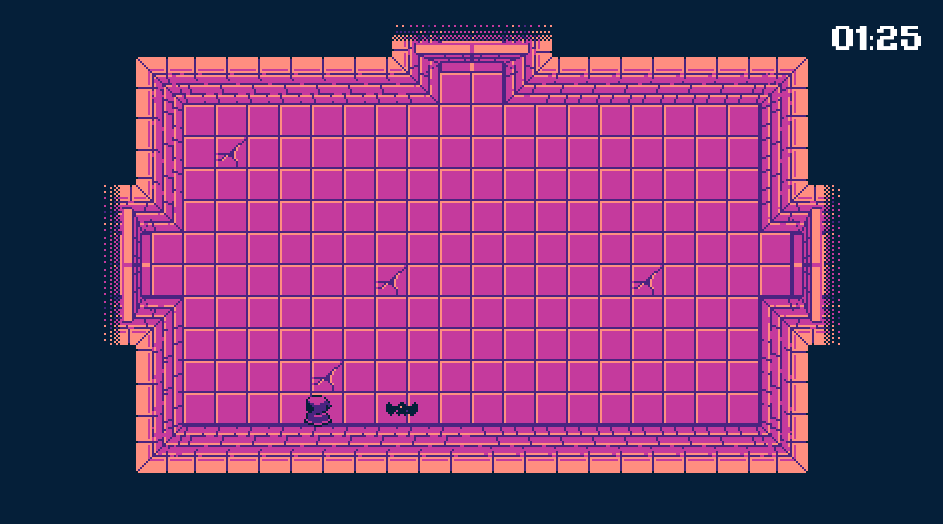
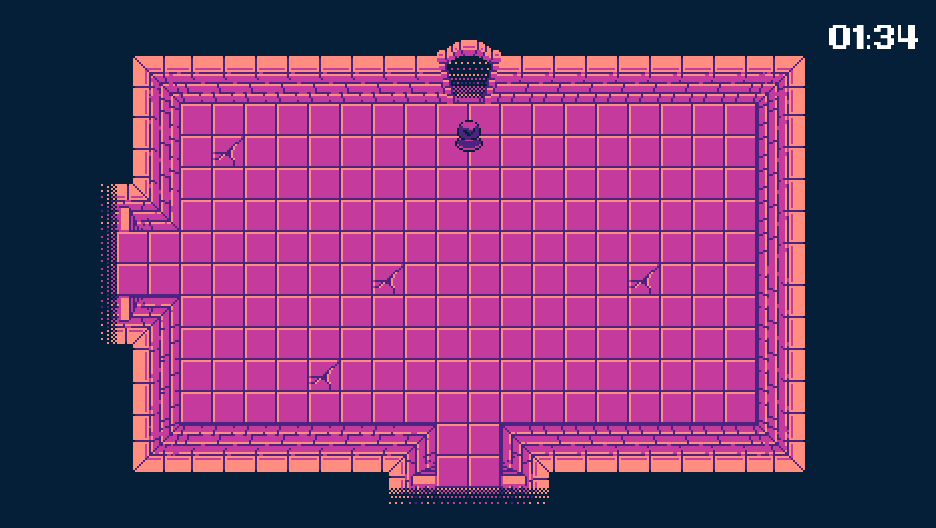
You're spawned in a random room in a dungeon, your goal is to never let the count down reach zero! By defeating enemies, waves, and time, you pave the way to the exit. Get there before the count down reaches zero to hone your skills and play the next level.
Known Issues
- Settings doesn't allow touch interaction, though the back button works as expected
- The procedural generation may mess up sometimes, for instance generating the exit room beside the start room
- No sound
- Player's invincible
Resources
Assets
- Virtual Joystick - MarcoFazioRandom: Virtual Joystick Godot
- Mobile Control Icons - Kenney: Mobile Controls
- Font - Jayvee Enaguas: Kemco Pixel
Tutorials
- Main Menu - 16BitDev: Main Menu
- Button Overlay - WisconsiKnight: How to Add Mobile Controls in Godot
- Virtual Joystick - WisconsiKnight: Mobile Joystick In Godot
- Procedural Generation Algorithm - Thomas Yanuziello: Procedural Dungeon Generation Explained
- Scene Loader - Queble: *Correct* way to Load and Switch Scenes in Godot!
Download
Comments
Log in with itch.io to leave a comment.
Nice art, but everything else is pretty bare bones.
I like the art style! Very cool. But the combat felt a little slippery and it didn't feel like hit detection on the enemies was always consistent. Still, a fun little game, well done :)